 XTREAM.ro
Before you begin
Connect Fire TV to the internet and check its operating system. Compatible Fire OS devices can use the store or the official TV APK. Vega OS uses its separate Amazon Appstore edition and cannot install the Fire OS APK. Store availability depends on model and country.
Option 1 · Install from Amazon Appstore
- Press Home and open Find / Search.
- Search for Anume Player and select it if available for your device and account.
- Choose Get or Download and wait for installation.
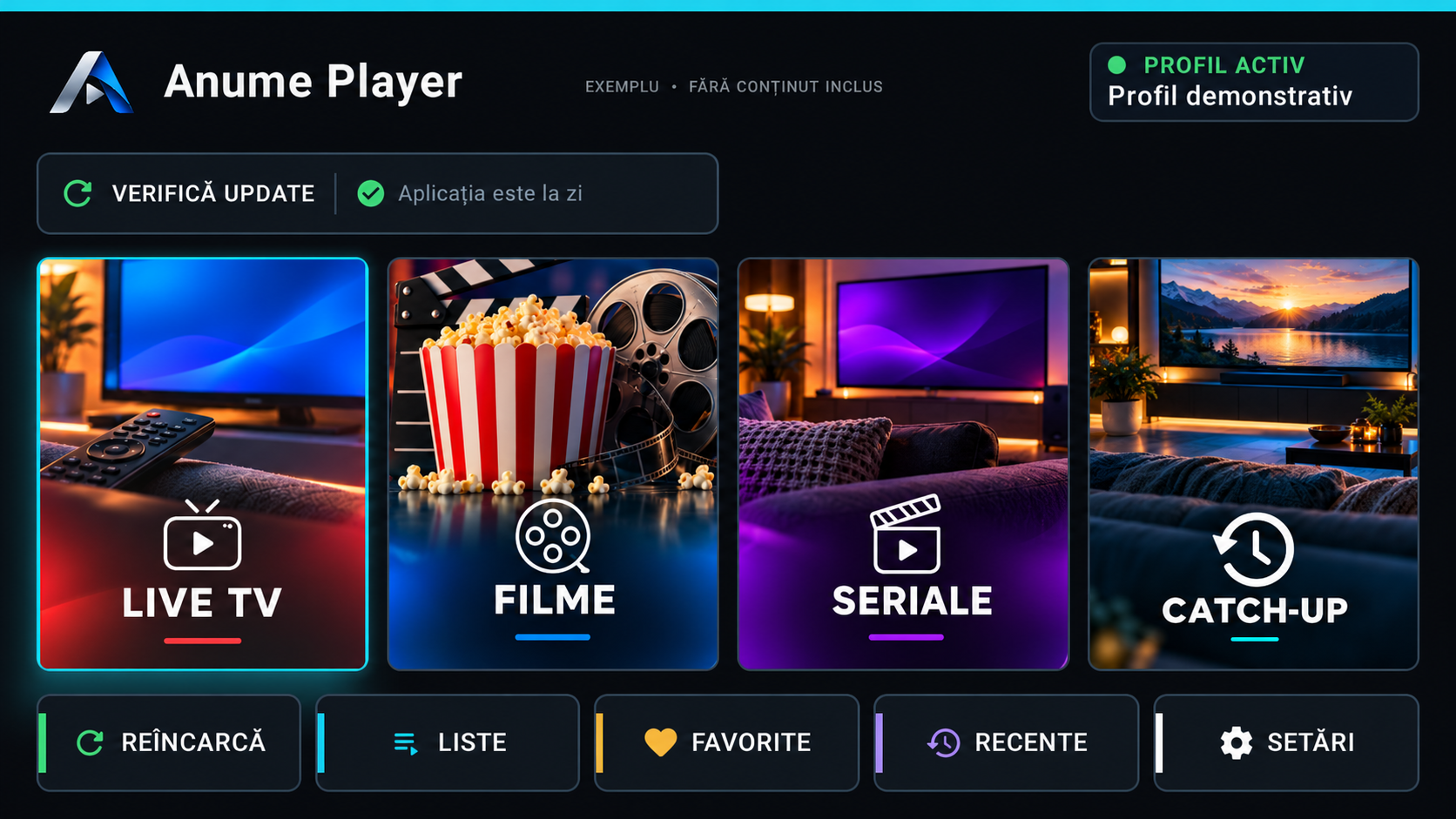
- Choose Open, note the MAC shown by Anume Player and continue with the XTREAM connection steps below.
Option 2 · Downloader on Fire OS
Official code 7616005 downloads the TV edition. It is not your customer code and does not activate a subscription.
- Install Downloader from Fire TV search and open it.
- On Downloader Home, enter 7616005 and select Go. Wait for the official TV APK.
- If installation is blocked, open Settings → My Fire TV → Developer options → Install unknown apps and allow Downloader.
- If Developer options is missing, open Settings → My Fire TV → About and select the device name seven times, then return to My Fire TV.
- Return to Downloader, choose Install and then Open. You can withdraw the Downloader permission after installation.
- The code may download an older edition: check for updates inside the app after opening it. Update the same edition without uninstalling.
Connect the app to XTREAM
- Open Anume Player and note its own MAC / Device ID, not the TV Wi-Fi address.
- On your phone or computer, sign in to XTREAM and open Dashboard → Connections.
- For the desired connection, choose Change app, select AnumePlayer and enter the exact identifier.
- Wait for automatic saving and the configuration result. If the form asks you to save, choose Save and reload.
- If configuration is already running, wait for its result. Use Reload playlist once only if needed.
- Return to Anume Player, select Reload or reopen the app, then check the list and play a channel.
If the list is missing
Check the trial or subscription, the app and identifier for that connection. An accepted request does not prove the list was loaded. If the result remains unconfirmed, contact support with the exact message, without passwords, PINs or QR codes.
Frequently asked questions
Is 7616005 my customer code?
No. It is the Downloader download code. Your XT code separately identifies your account.